Making Handouts: Orbital Space Maps
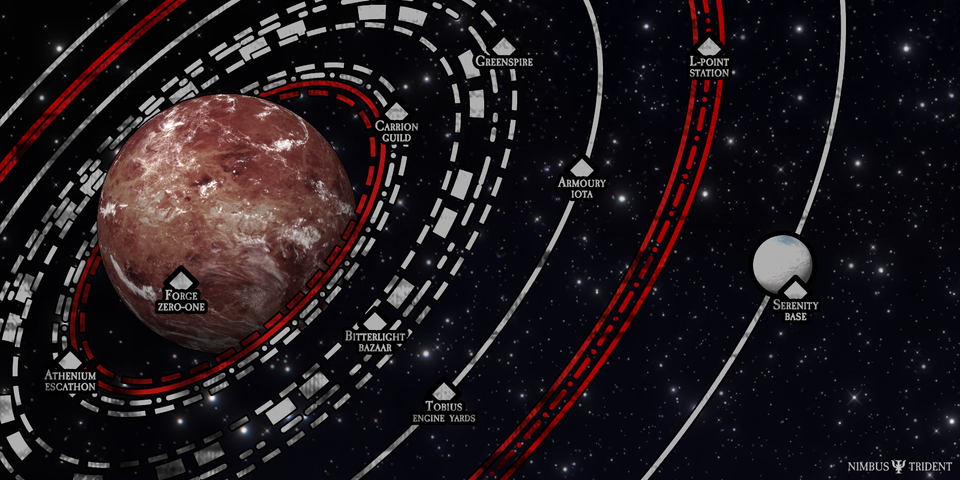
Whenever I get into a game set in space, I like to whip out an old technique I've been using for making maps of planetary orbits. This tutorial was made using Photoshop and will refer to some specific transformations and shortcuts in Photoshop but these techniques should work in any decent graphics editing program.
Step by step tutorial
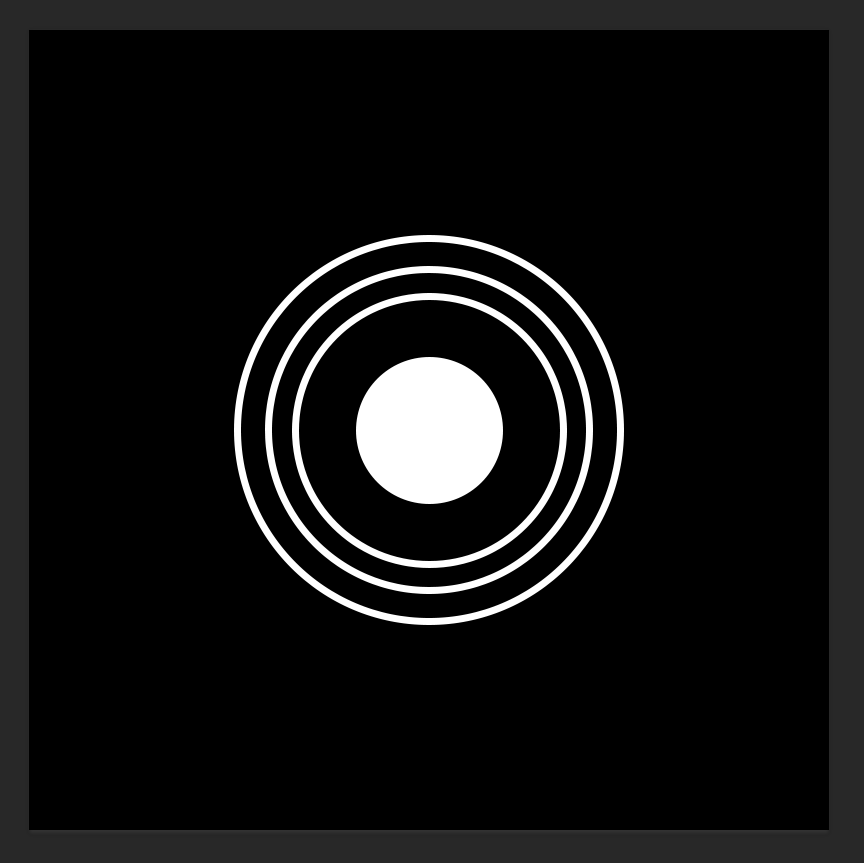
In a photo editing program like Photoshop, first make some ellipses. One solid fill, and some more larger ellipses with no fill and some stroke. The solid fill will serve as our planet or star, and the larger ellipses with strokes will serve as our ring-like orbits.
Use vector paths for these shapes because we'll need them to retain their mathemagical sharpness in the steps to come
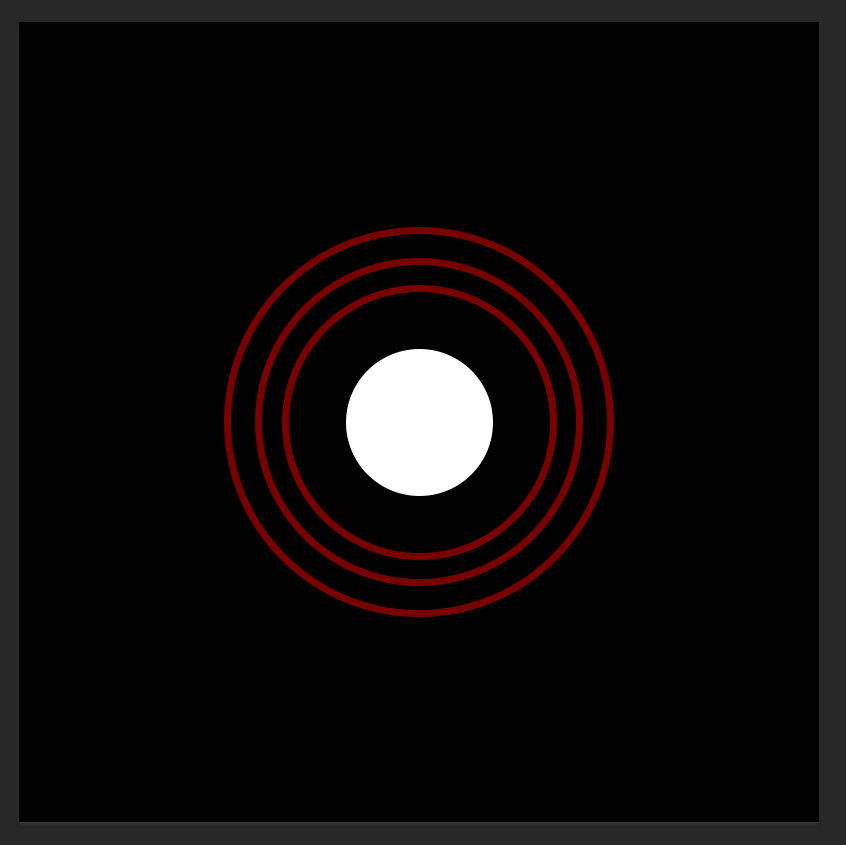
Here I set the orbital lines to a red color to make the next steps easier to see.
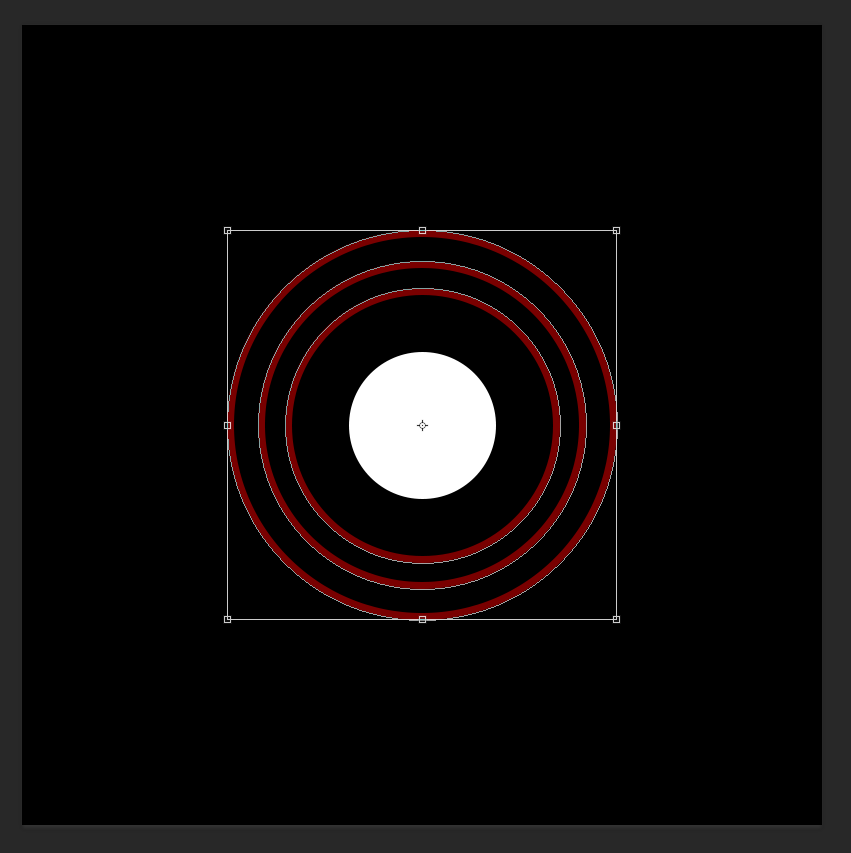
Select just the orbits and hit Ctrl-T (in Photoshop) to enter Free Transform mode
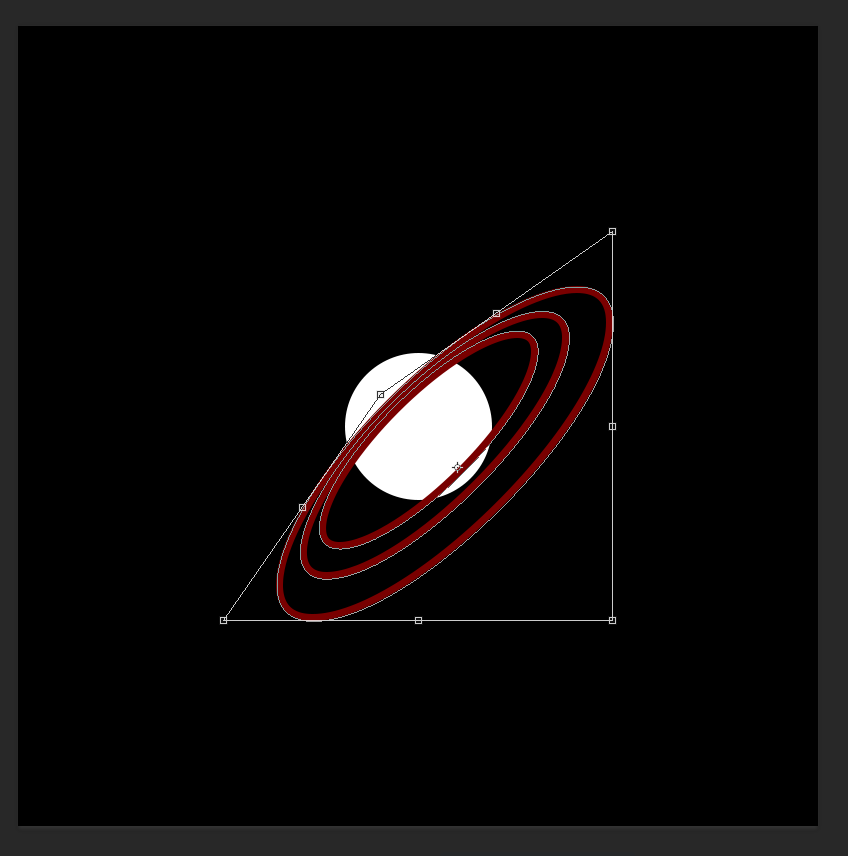
Grab one of the corner handlers with your mouse cursor while holding Ctrl and you only move that corner. This shifts the perspective of the plane.
Bring the corner somewhere behind the "planet"
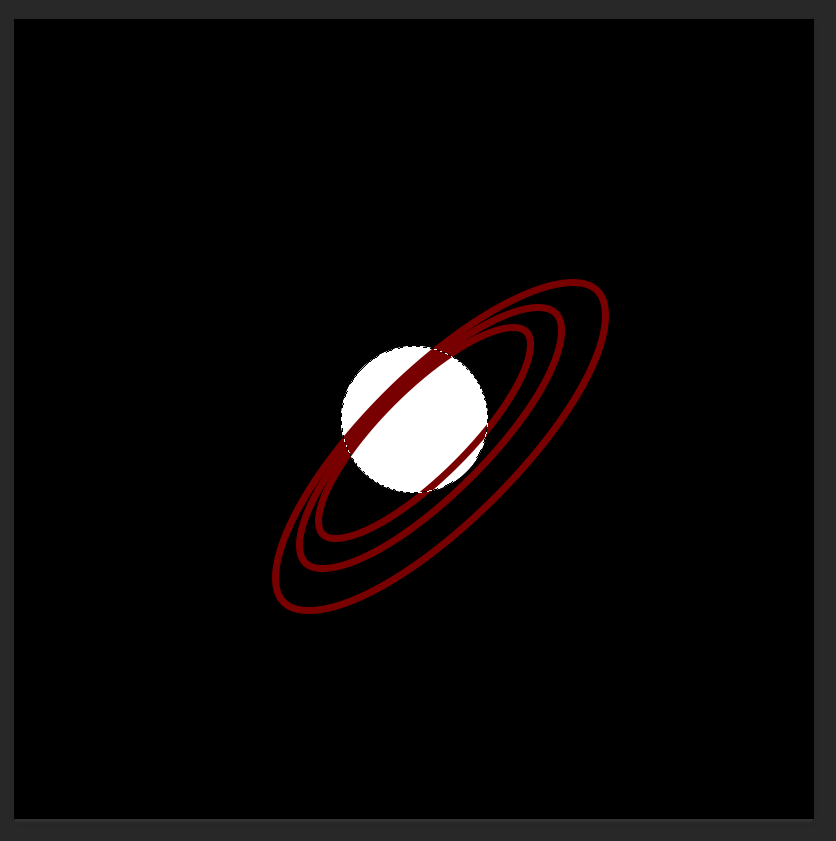
Now, the orbits are technically on a layer above the planet so they just end up overlain.
To fix this, first make a selection from the central ellipse.
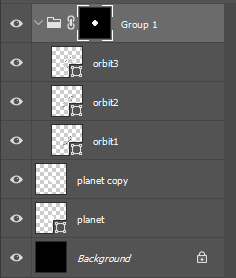
Put the orbits in a group, then use the selection to set a mask for that entire group.
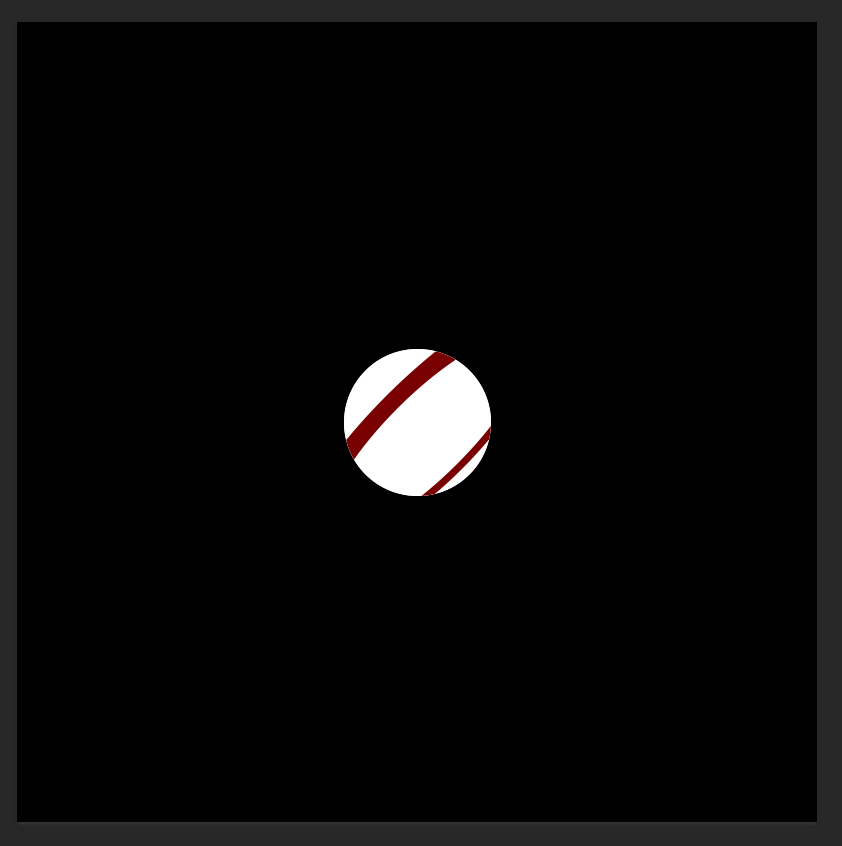
Oops, looks like that masked away everything that wasn't inside the selection! But don't worry...
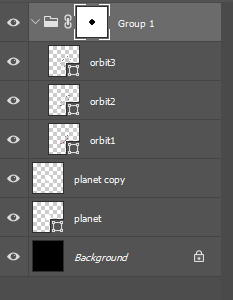
Just invert the mask and you'll be fine
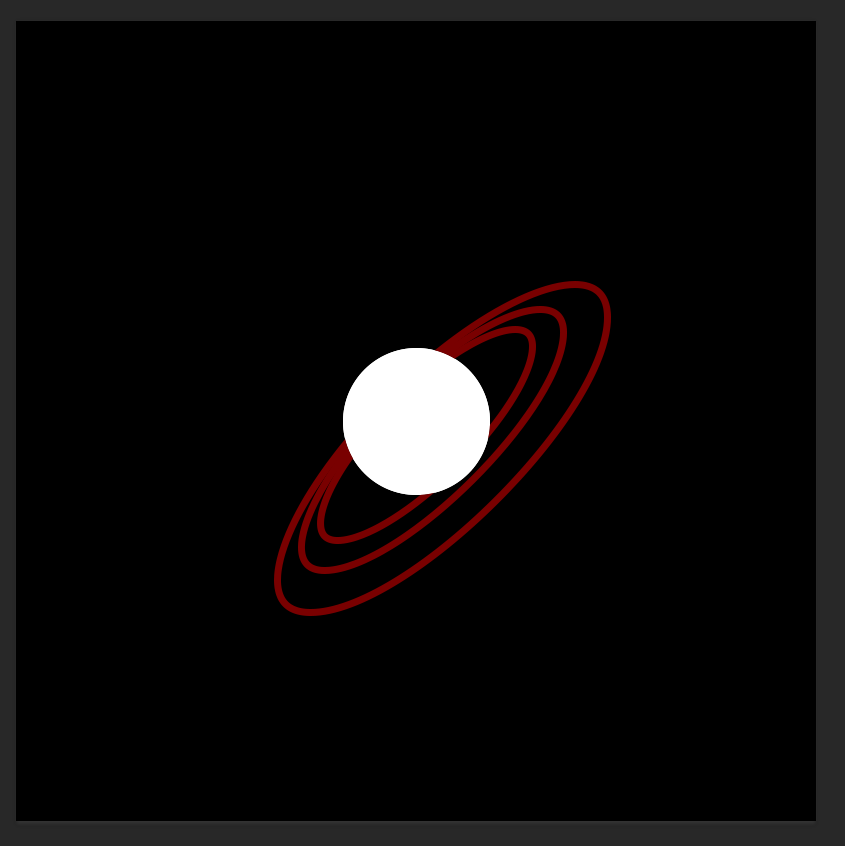
Ta-daa. Oh, but wait, now all the lines look like they're below the planet. We're gonna have to tweak the mask to show the foreground orbits.
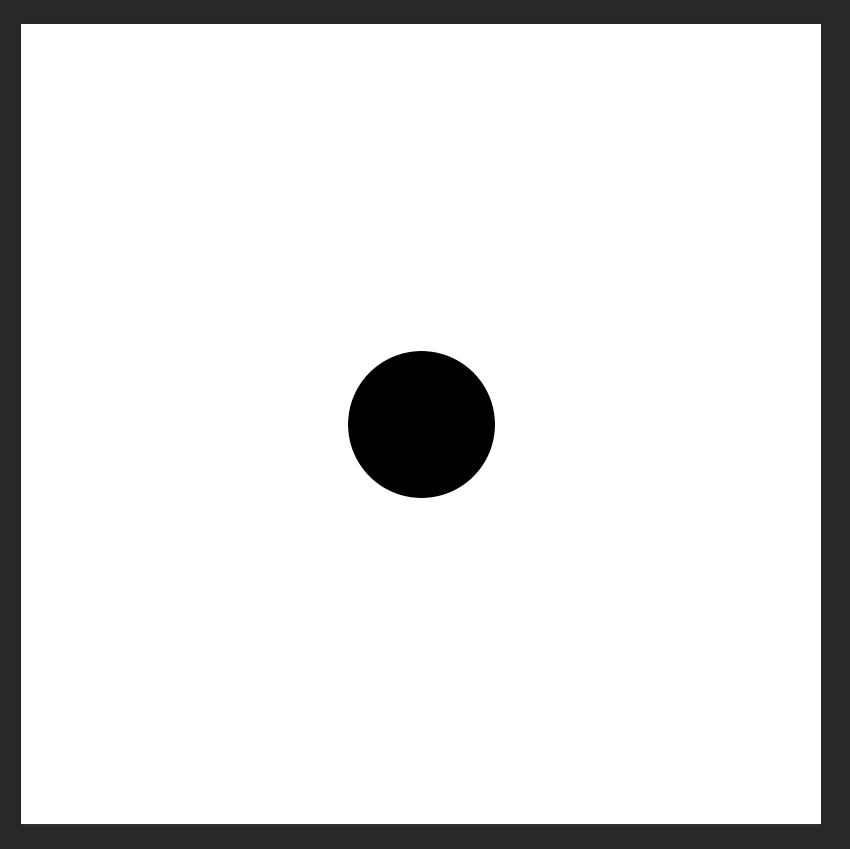
Hit the mask you just made with Alt-Click and your view will be replaced with that of the mask
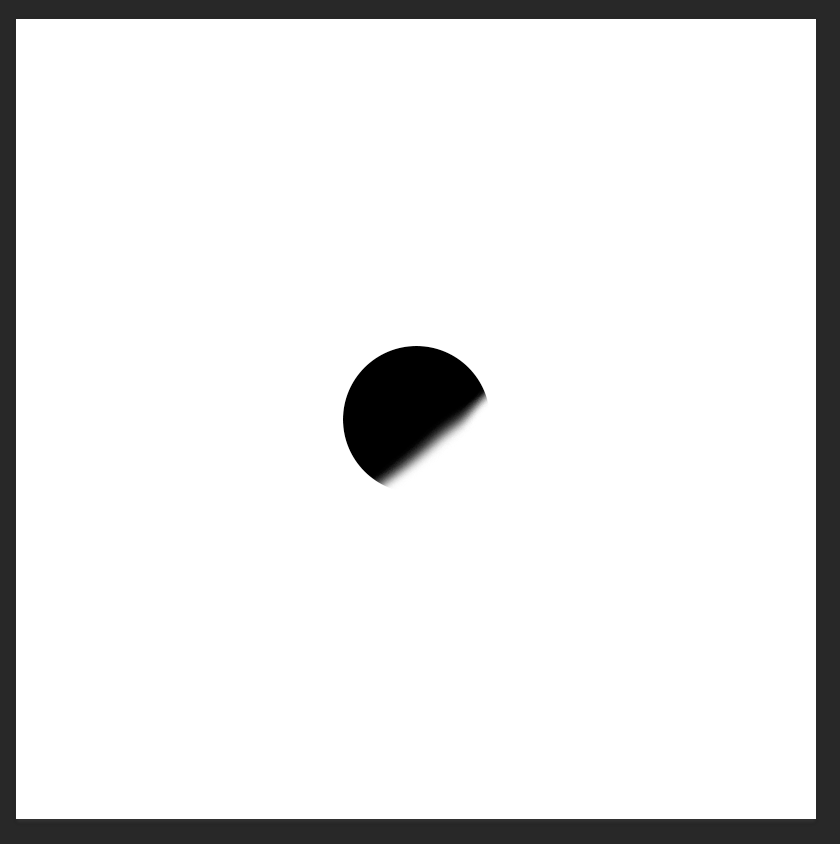
Paint white over a bit of the mask where your orbits enter the foreground
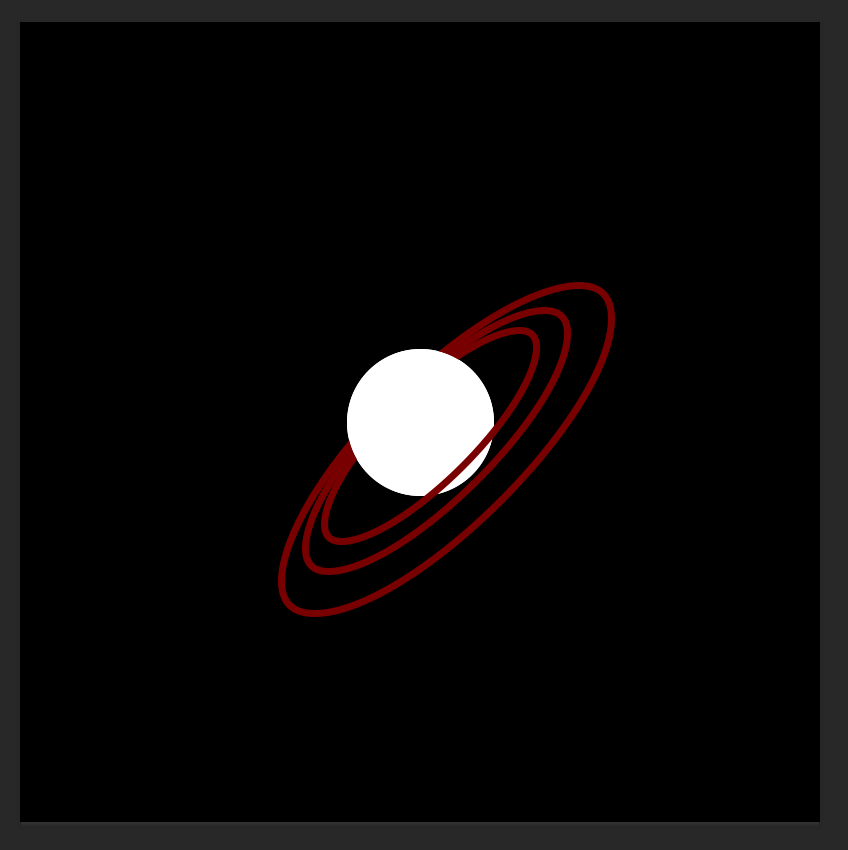
You're done!
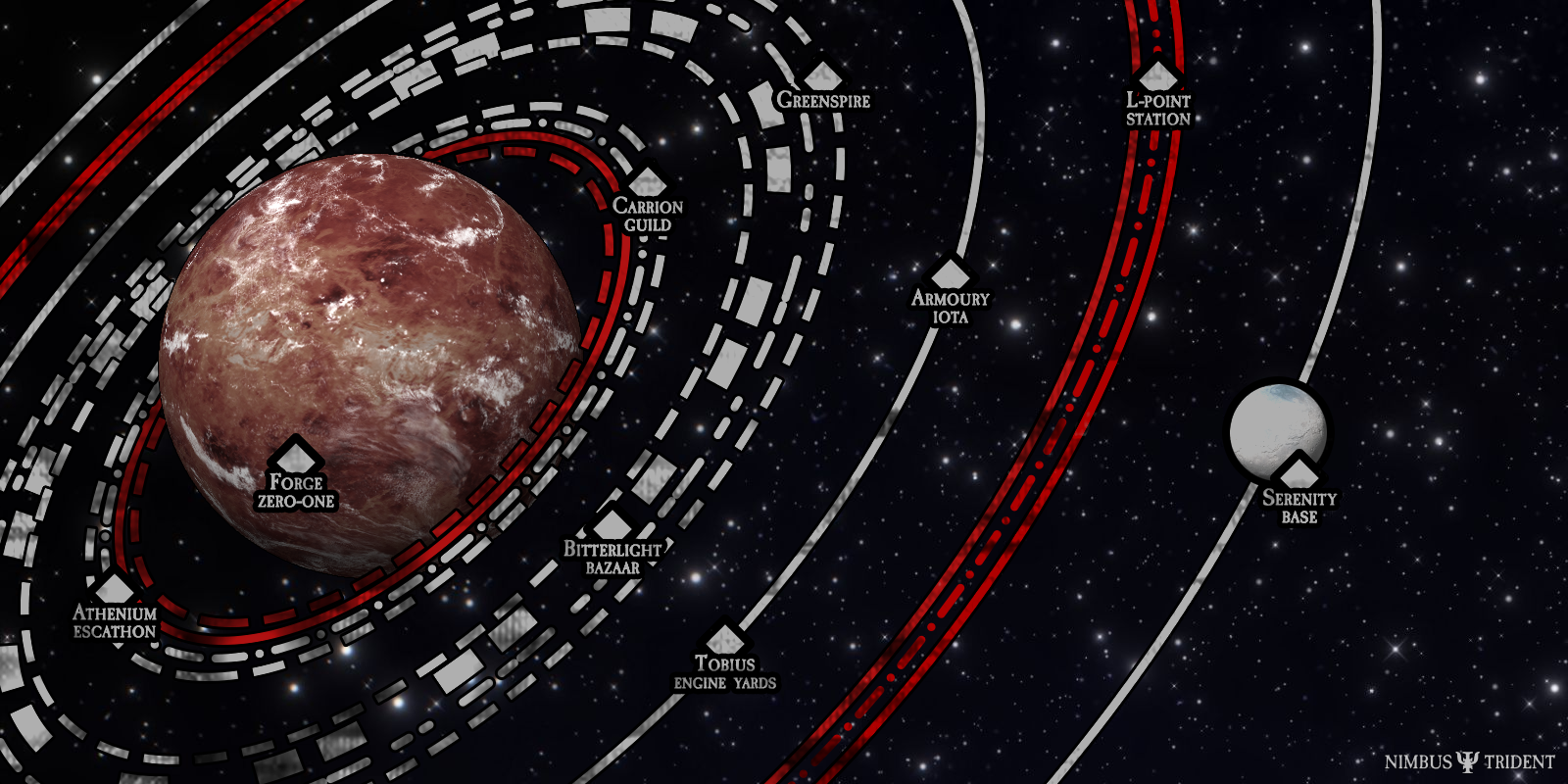
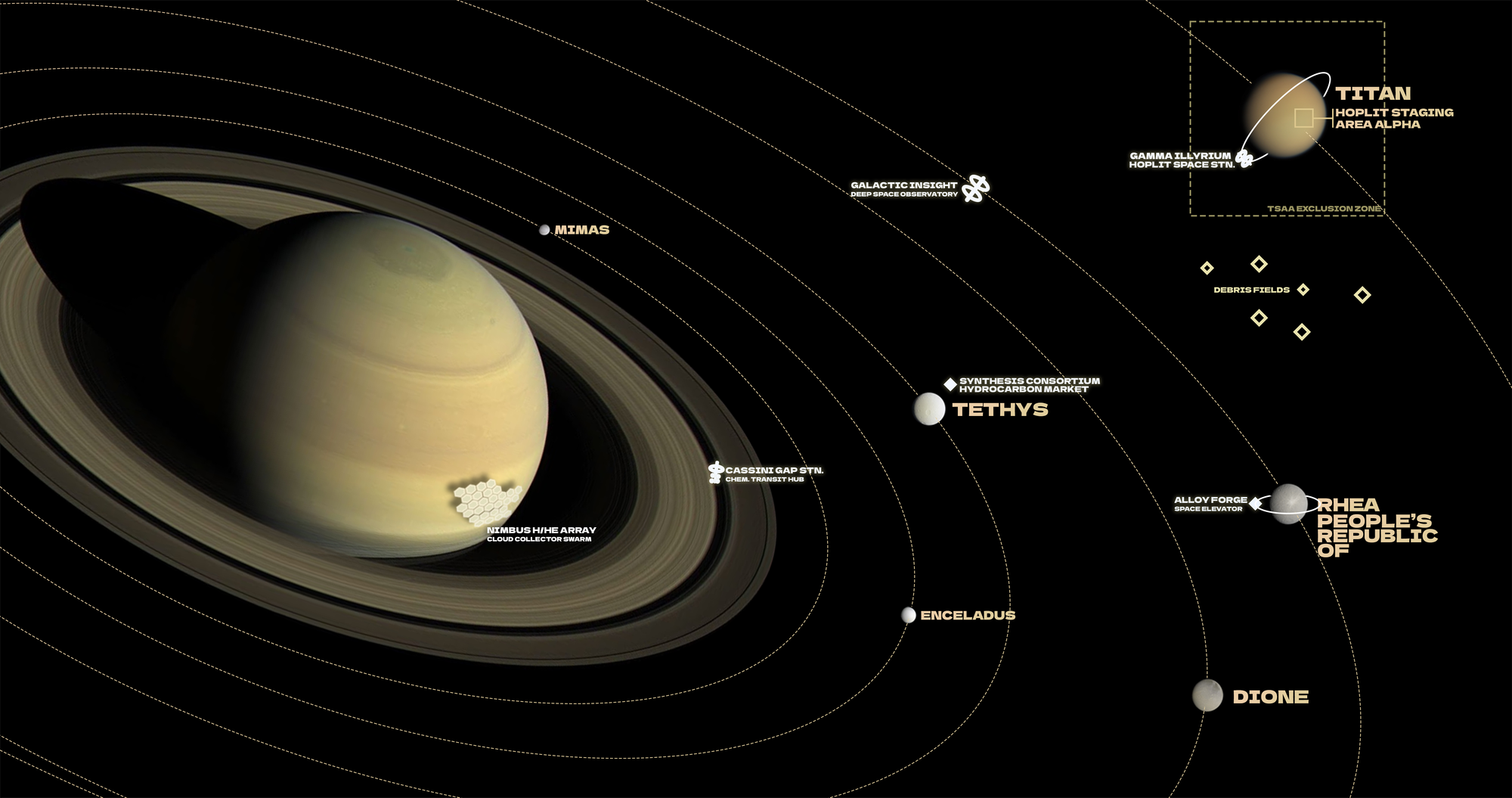
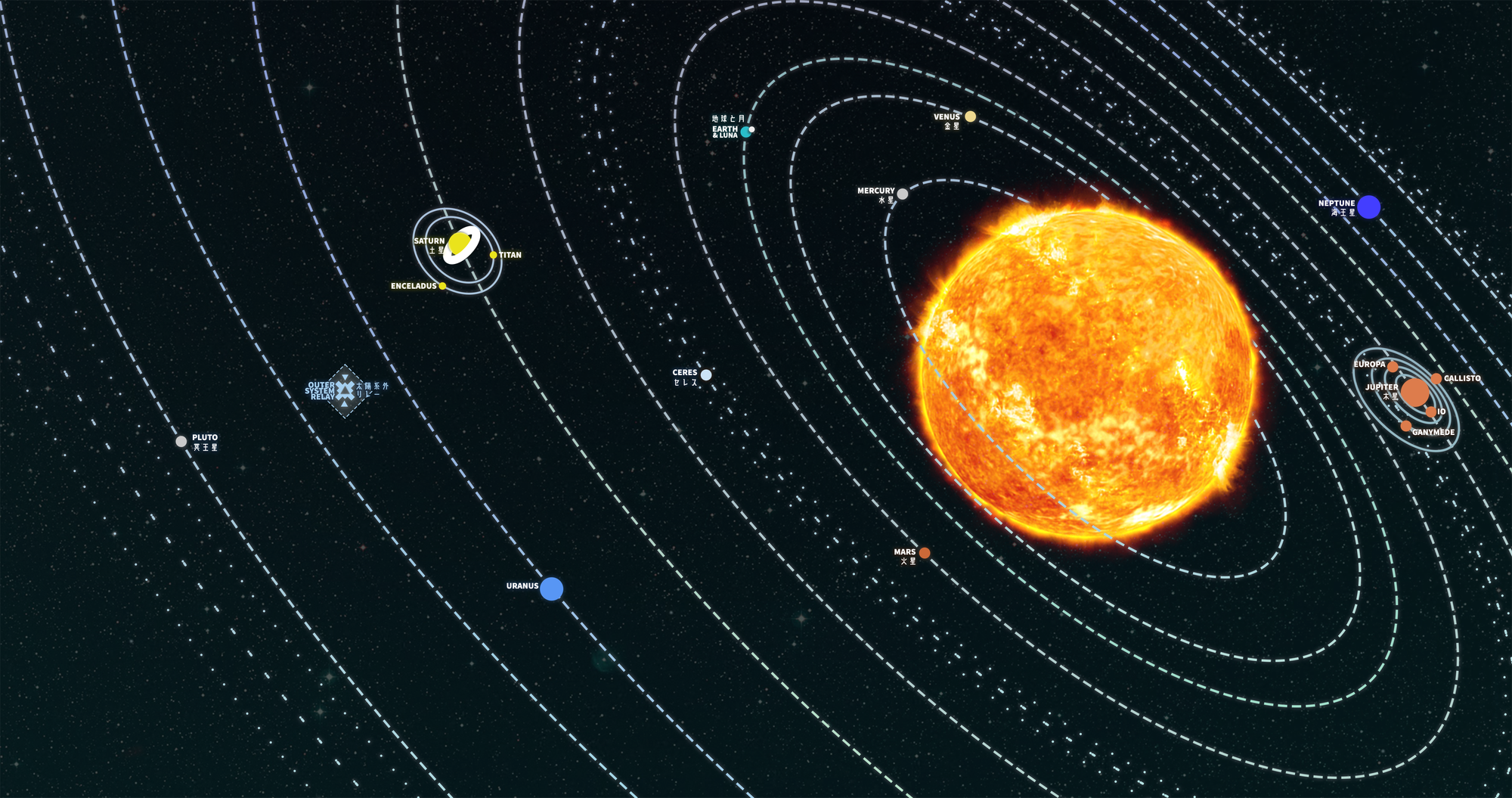
You can of course add further flair to this, for example by adding your own planet to replace the inner circle, setting the orbital paths to use dashed strokes, placing points of interest or moons or other orbital objects on the map, etc.
Examples
Member discussion