Making Handouts: Easy Modern Maps

This is a quick and easy technique I use for making map handouts for whenever I run games set in the modern world. These are perfect for games like Delta Green, Kult, or Unknown Armies - and with some luck they can also work for sci-fi and cyberpunk campaigns and even some historical settings like Call of Cthulhu.'
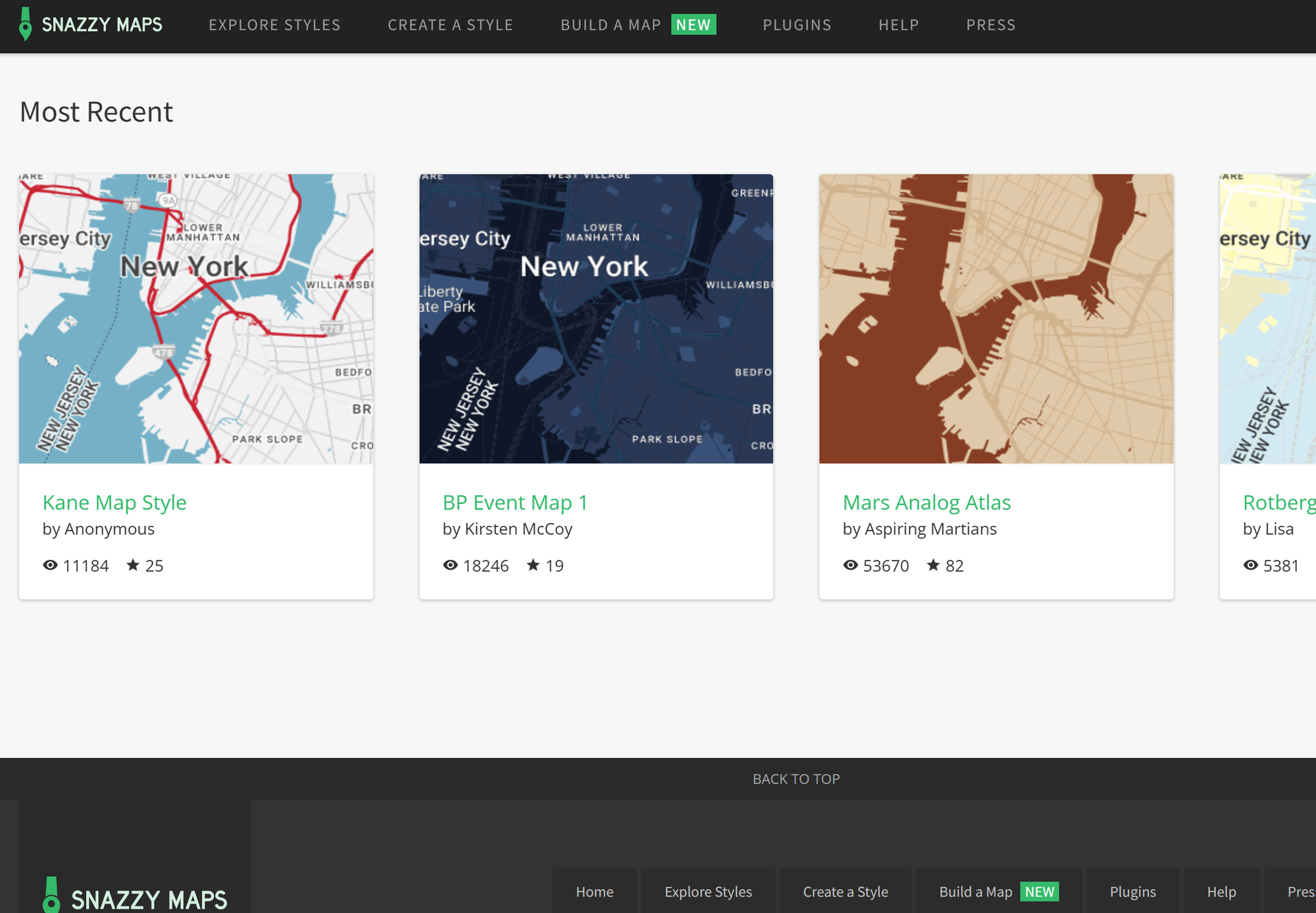
SnazzyMaps
The main trick to this technique is to use snazzymaps.com, a website that allows you to create stylized and re-colored variants of the Google Maps interface. This includes a huge gallery of previous styles that other users have done, so you can browse until you find a style that fits your project. Simply choose the theme and move the map to the region you want to capture.
Making quick maps
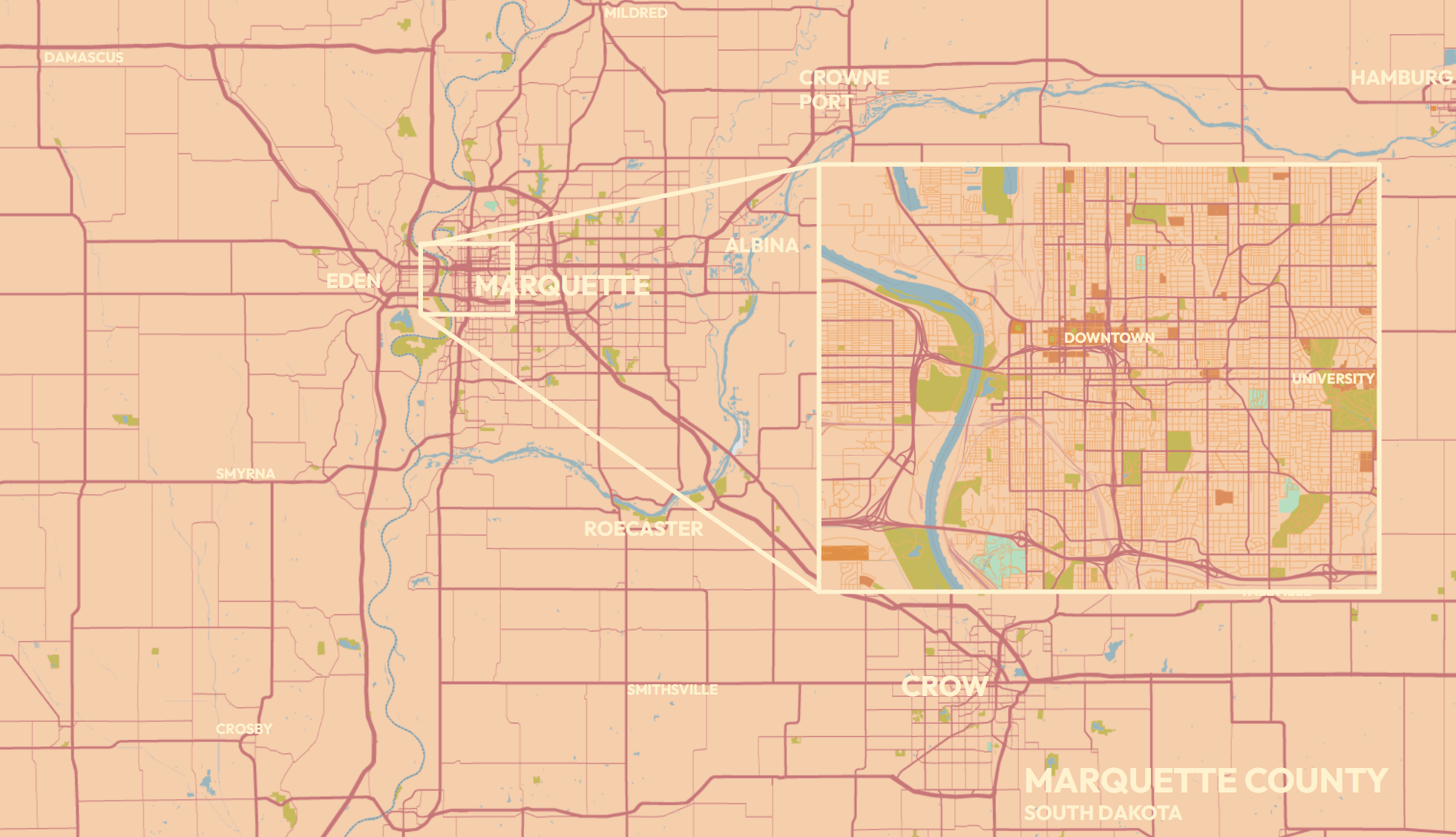
- Find a SnazzyMaps style with no labels
- Find an area that's suitable to what you need for your game
- Grab a screenshot
- Paste your screenshot into an image editor like Photoshop, or even a slideshow tool like PowerPoint, Keynote, or Google Slides.
- Add your own labels
- Paste in some inserts of areas you want to show in detail
And you're done!
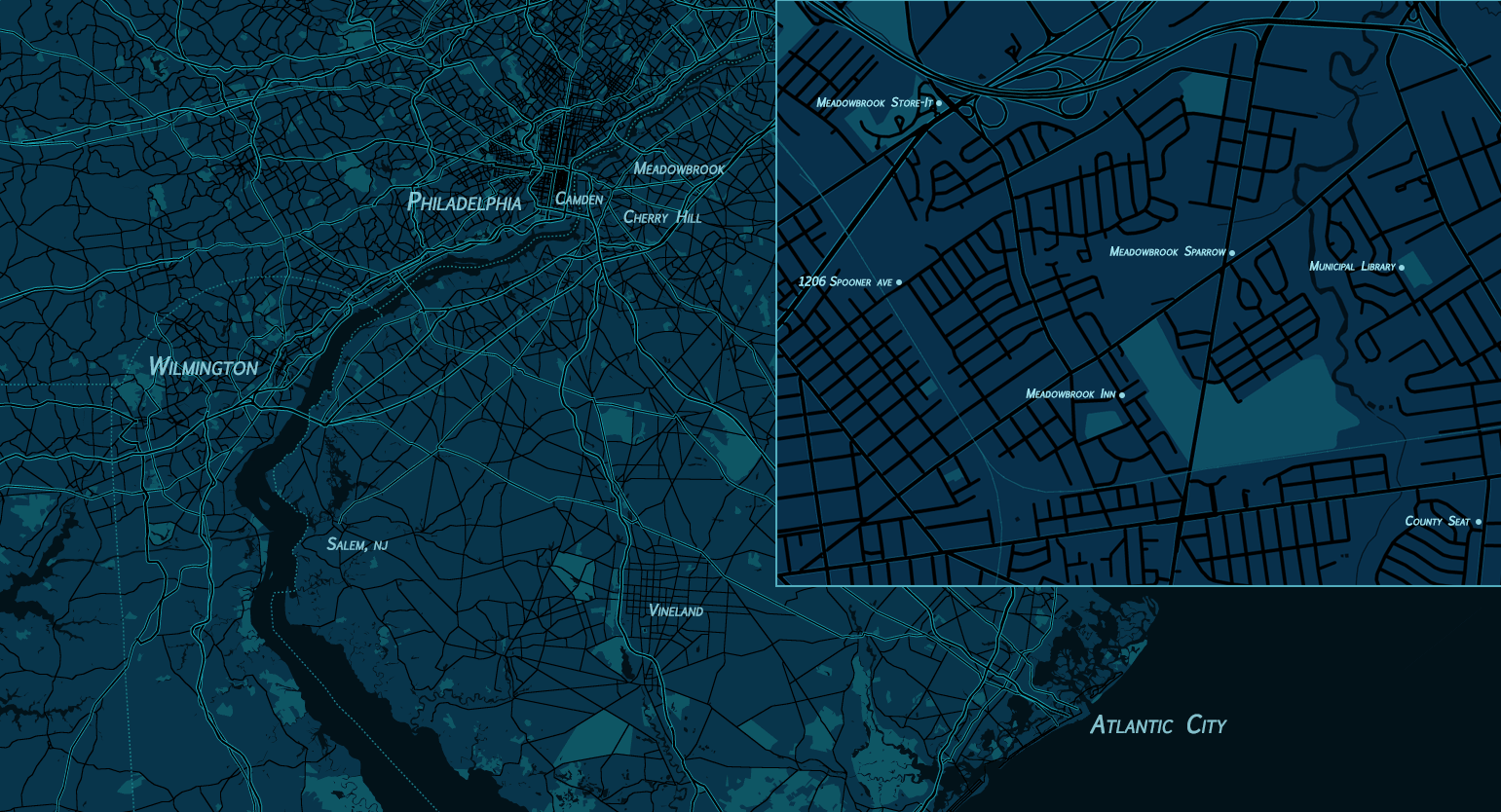
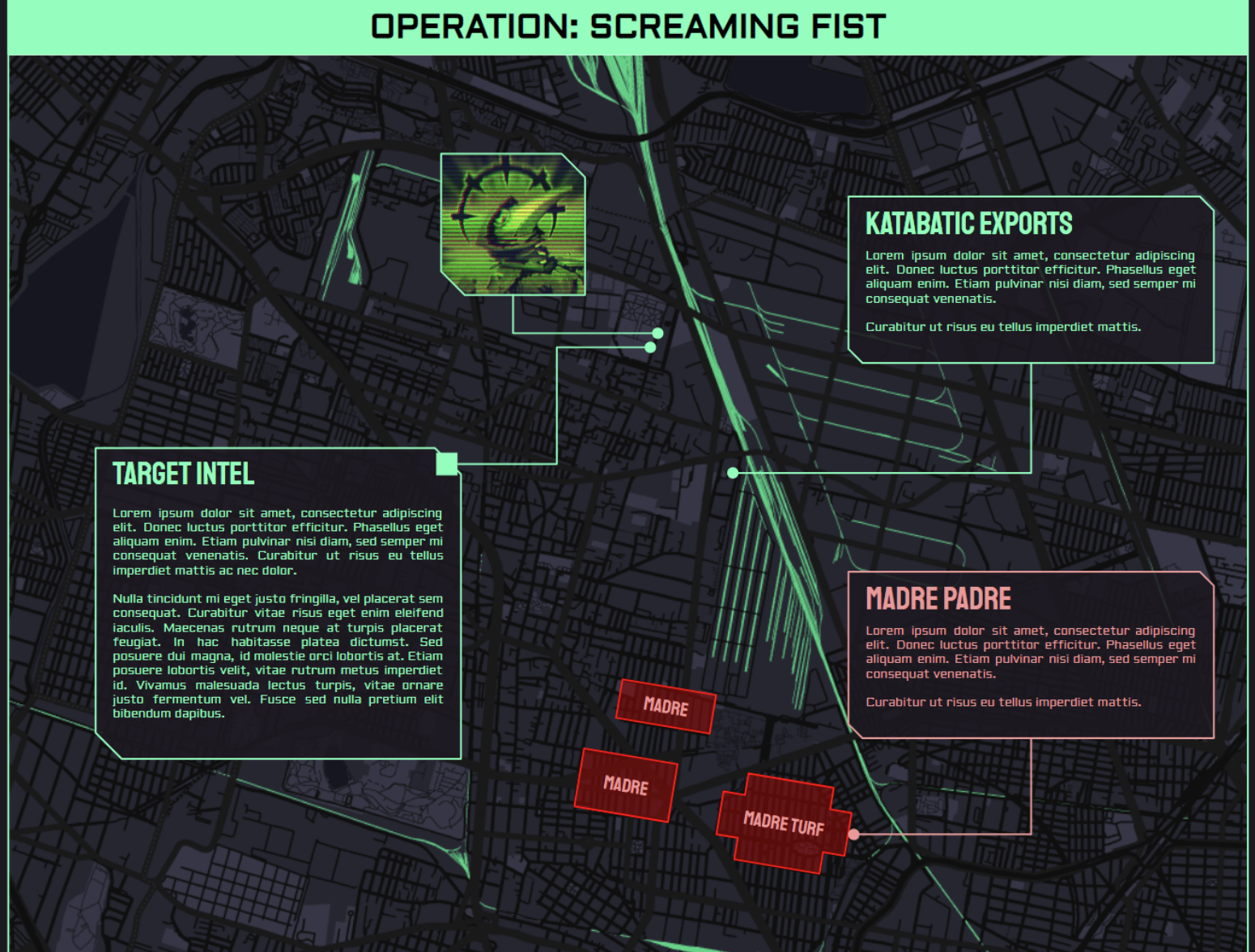
Below are a few examples of maps I've made using this technique:
Member discussion